> 99% of the difficulties of a web design is in supporting all possibile client screen sizes / ratios.
For a web designer.
For a normal person, 99% of the difficulties of web design is that they need to get a PhD in HTML, CSS, & JavaScript, in order to make some text and images show up. PowerPoint/Publisher are usable by anyone. The Web today is basically an employment scheme.
> I'm not aware of any GUI for creating responsive content
If all you want is to show someone some text and pictures, that should be (is, actually) incredibly simple.
If you want to show someone "responsive content", that is a different use case. It's a custom program at that point. So just ship them a custom program. It used to be common, trivial actually, to mock up a program in a visual IDE and send it to someone. The program would be small and fast and networked. We used a thing called Visual Basic, and nearly anyone with the most basic programming skills could use it. Worked great.
Today we do the same thing, only they are called "mobile apps" and are written in Java for a dedicated mobile operating system. Just like years ago, these are proprietary platforms run by quasi-monopolies, so you have to make your program multiple times to send it to everyone. But we could improve on that.
> If you want to show someone "responsive content", that is a different use case.
No it's not! You create your content with text and images, you send it to two friends: one opens it in a 27" inch monitor, the other one on his mobile phone.
How big should the images be? How big the text? What happens if there is a text on the left and an images on the right, and you watch it on a mobile phone? should it go down, should the image resize to occupy at maximum half the viewport? what happens when the text overflows?
The reason you can do it on a Oowerpoint or Publisher is that the viewport is the same, you position it and you are done. The user on the desktop will see it very small, the user on the phone will need to keep scrolling and dragging.
If you are ok with these limitations, there are plenty of tools available to share content! You named them.
If you want better control, there are no easy way of doing it, there are no example of this problem being solved, and I don't think it's a web problem.
What you're describing is already dealt with by mobile applications, and could easily be added to a PowerPoint/Publisher type app. You wouldn't have to use a fixed viewport.
You asked for a tool that can be used by "a normal person". A normal person is definitely not capable of creating an android app, so I really don't see your point. You need to learn how to do it, both on Android and on the web.
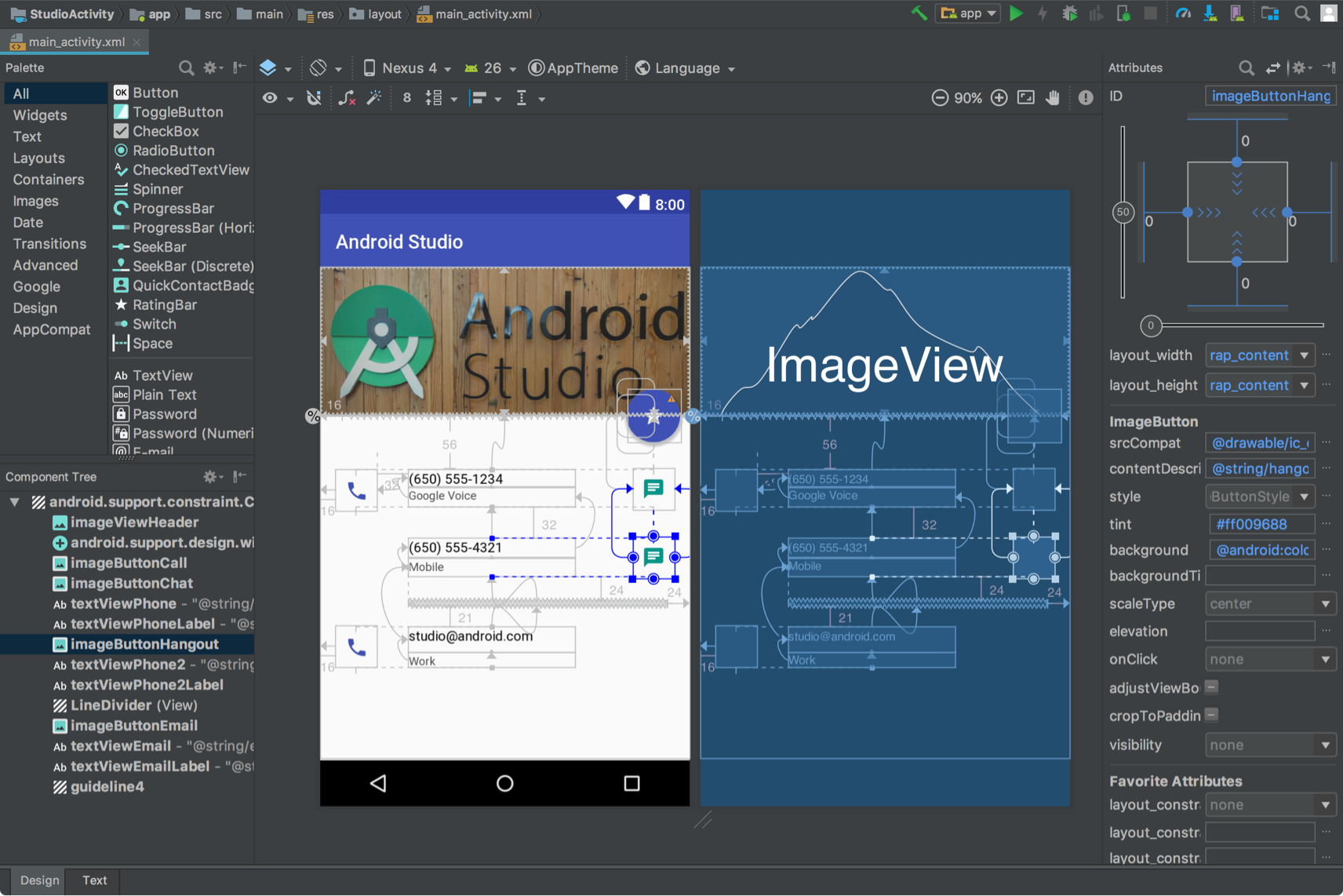
Moreover, the layout editor is rarely used in Android development, most of the control is done via code because it depends on dynamic content that is not available to the layout editor ahead of runtime. Most the examples in the exact link you attached are code examples for this very same reason


For a web designer.
For a normal person, 99% of the difficulties of web design is that they need to get a PhD in HTML, CSS, & JavaScript, in order to make some text and images show up. PowerPoint/Publisher are usable by anyone. The Web today is basically an employment scheme.
> I'm not aware of any GUI for creating responsive content
If all you want is to show someone some text and pictures, that should be (is, actually) incredibly simple.
If you want to show someone "responsive content", that is a different use case. It's a custom program at that point. So just ship them a custom program. It used to be common, trivial actually, to mock up a program in a visual IDE and send it to someone. The program would be small and fast and networked. We used a thing called Visual Basic, and nearly anyone with the most basic programming skills could use it. Worked great.
Today we do the same thing, only they are called "mobile apps" and are written in Java for a dedicated mobile operating system. Just like years ago, these are proprietary platforms run by quasi-monopolies, so you have to make your program multiple times to send it to everyone. But we could improve on that.